
Your first flight in 60 seconds
Four taps from a cold start to a logged leg. Read this one and skip the rest.
- 1. Get in (about 10 seconds)
Open oooipilot.com or the app and tap Sign in. Use Apple, Google, or your email - there is no password to make up and nothing to verify by post. Your account exists the moment you tap.
- 2. See it working before you fly (about 15 seconds)
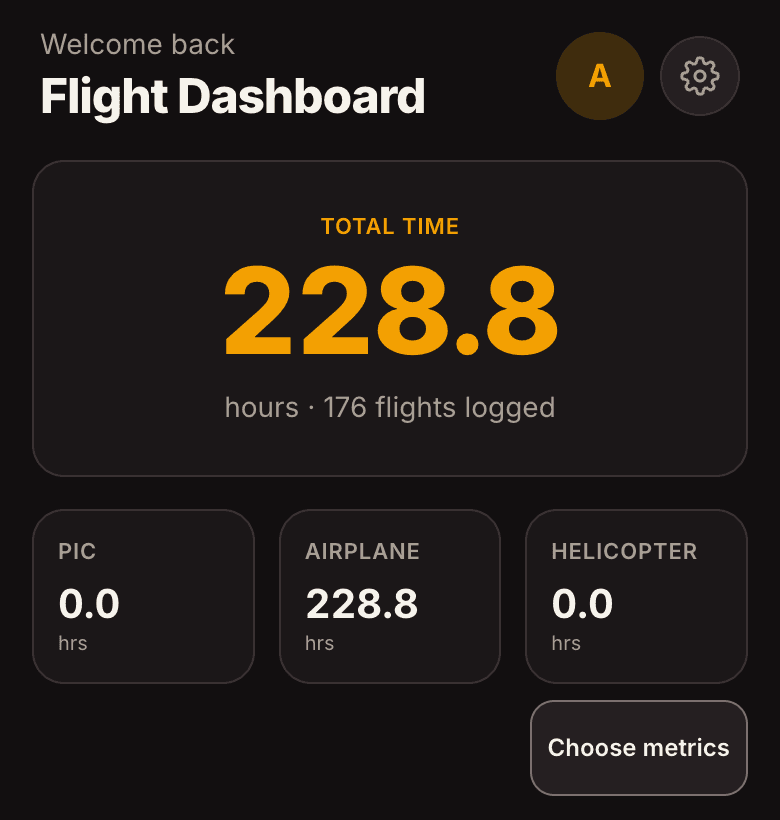
Open Settings and tap Load demo flights. The dashboard, logbook, totals, reports and route map all fill with realistic legs straight away. Nothing here is yours yet, so poke at everything - you can clear it whenever you like.
This is the fastest way to see what the app looks like once it has a few months of flying in it, without waiting a few months.
- 3. Log a real leg (about 20 seconds)
On the ground, pull up the ACARS page showing OUT / OFF / ON / IN. Tap the amber camera button, fill the frame with the OOOI block, and take the photo.
OOOIPilot reads the four times, the route and the tail, and puts them on a review card. Each field is colored by confidence: green means the numbers agree with the page's own BLOCK and FLIGHT totals, amber and red mean give it a second look.
- 4. Confirm (about 5 seconds)
Glance at anything amber or red, tap Confirm, and the leg is in your logbook with block and flight time already worked out. That is the whole loop. Every flight after this one is the same four taps.
- If you are moving from another logbook
Do that first and your history comes with you: Settings, then Import. See the Import from another logbook guide - it takes one file and a couple of minutes.