
Scan from your home screen
Skip the app launch. One tap from the home screen straight into the camera.
- Add the widget
On Android, long-press the home screen, choose Widgets, and drag the OOOIPilot widget where your thumb lands. It resizes, so give it as much or as little room as you want.
- What it shows
Your running totals at a glance, and a capture button. Bigger sizes show more - hours, recent legs and currency - without opening anything.
- Tap straight into the camera
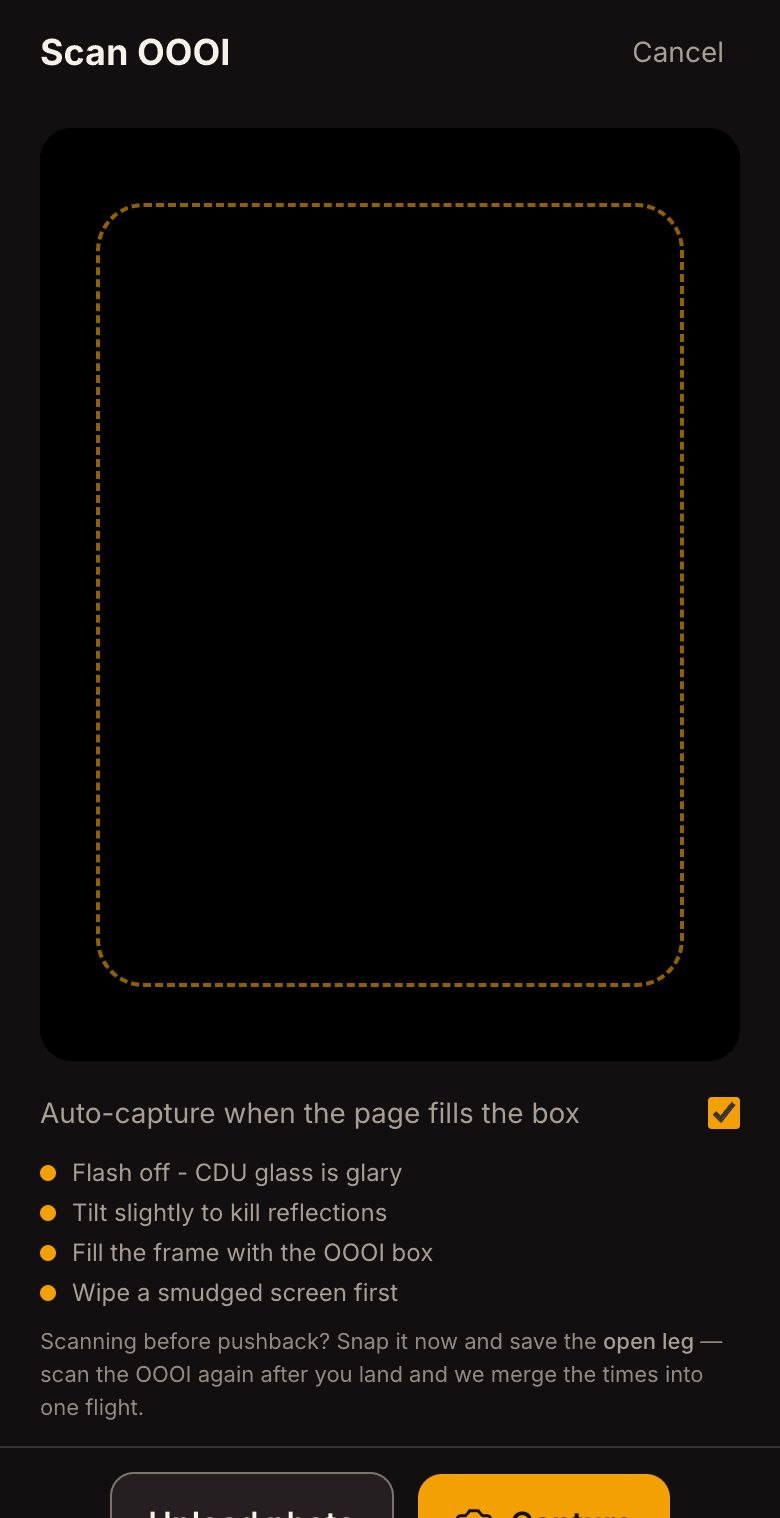
The capture button opens the scanner directly rather than dropping you on the dashboard to find it. That is the difference between logging the leg at the gate and meaning to log it later.