
Scan an OOOI page
Photograph the ACARS/FMS OOOI status page and confirm - a whole leg in under 10 seconds, no typing.
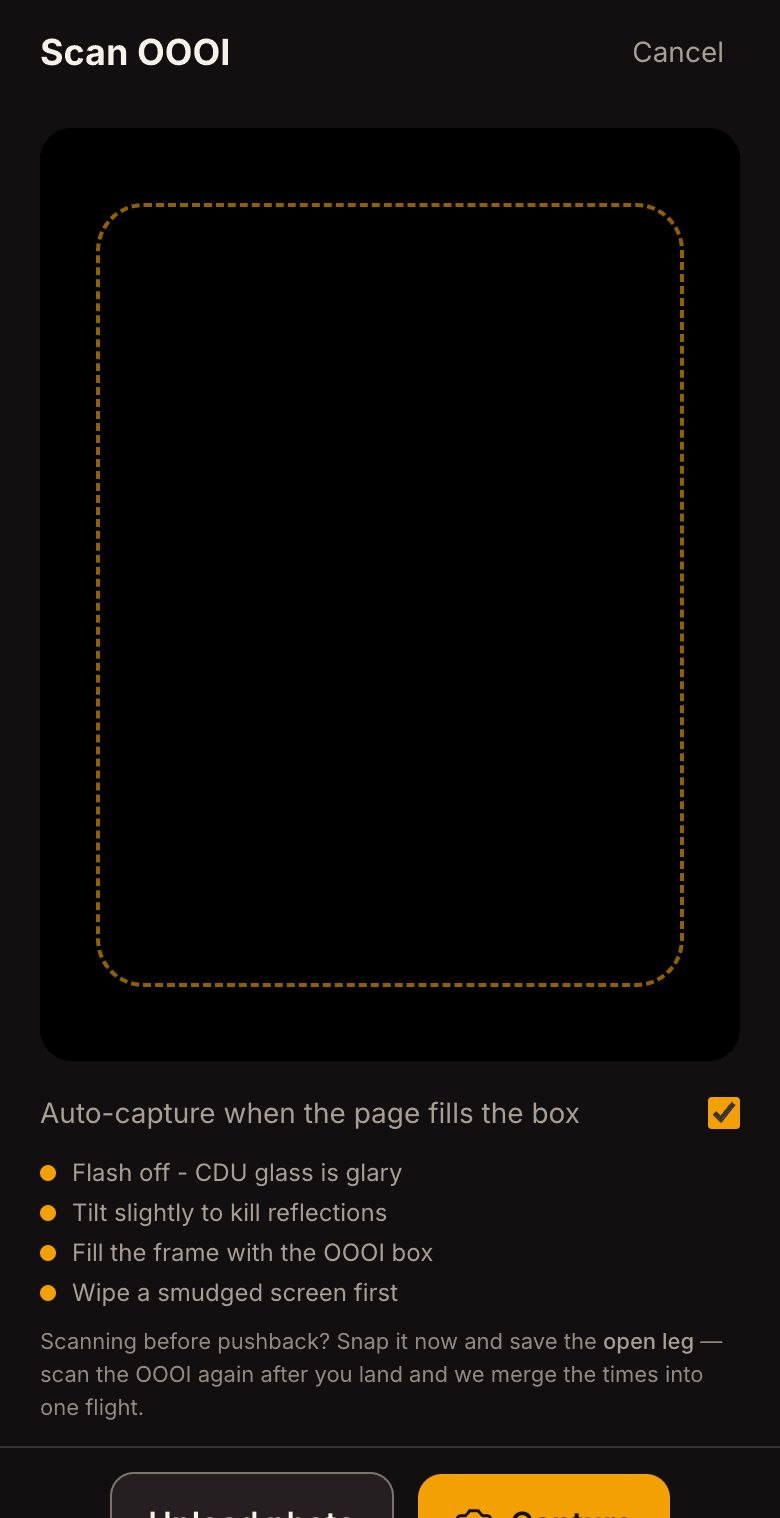
On the ground, pull up the ACARS / FMS OOOI status page - the one showing OUT / OFF / ON / IN.
Open OOOIPilot and tap the amber camera (mobile) or Scan in the sidebar. Fill the frame with the OOOI box and tap the shutter.
OOOIPilot reads OUT/OFF/ON/IN, the route, and the tail, and shows them on a review card with a confidence color per field - green = high confidence, amber/red = double-check.
Glance at anything highlighted amber/red, tap Confirm, and you're done. Block and flight time are computed for you.
- Why the colors matter
Green/amber/red comes from cross-checking the times against the page's own BLOCK/FLIGHT totals - green means the numbers agree, not just that the pixels were clean.