
Import from another logbook
Bring your whole history from LogTen, ForeFlight, MyFlightbook and more - CSV, HTML, PDF, or a photo of a paper page.
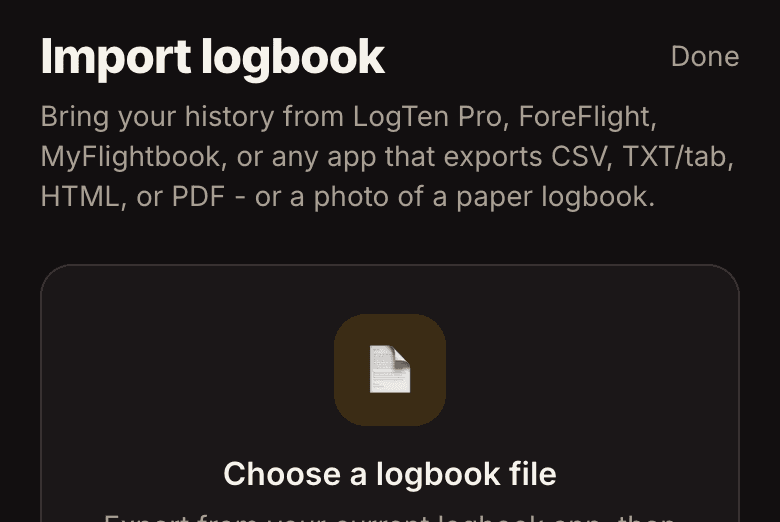
- Open Import
Open Import from the dashboard or Settings and bring your whole history in - your totals are intact from day one.
- Four kinds of files
- CSV - the standard export from almost every logbook app. Read instantly and free; we recognize common formats and map the columns for you.
- HTML - a saved logbook report or table. Read instantly and free.
- PDF - a printed or exported logbook PDF. We pull the text and AI lays out your flights.
- A photo or scan - snap your old paper logbook page and AI reads the rows.
- AI reads messy pages
PDFs and photos use AI to turn a messy page into clean rows. That part is free with your own OpenAI key (add it in Settings), or a one-time charge by size - $1 for up to 500 flights, $2 up to 1,000, $5 beyond that, and included with Pro. CSV and HTML are always free.
- You review everything
Whatever the source, you review and map every flight on screen before anything is saved. Duplicates are skipped and totals recompute - nothing imports behind your back.