
Choose the numbers your dashboard leads with
Swap the dashboard's headline totals for the ones your flying actually turns on - PIC, night, cross-country, airplane against helicopter.
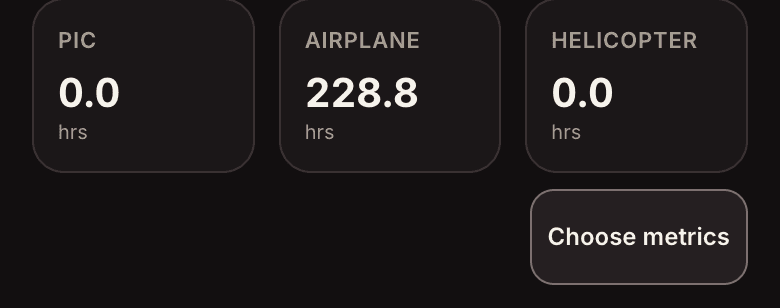
Open the Dashboard and tap Choose metrics, under the tiles.
- Pick what matters to you
A fixed three suits nobody. A regional captain watches PIC; someone building toward an ATP watches cross-country and night; a pilot who flies both watches airplane against helicopter. Choose yours and the dashboard leads with them.
- Tap a number to see where it came from
Every tile opens into the legs that built it, with the same total restated at the top. A number you cannot audit is a number you cannot defend in an interview - so each one shows its work.
- The choice follows you
Your selection is part of your profile, so the phone, the tablet and the desktop all lead with the same numbers.