
Currency, trips & the route map
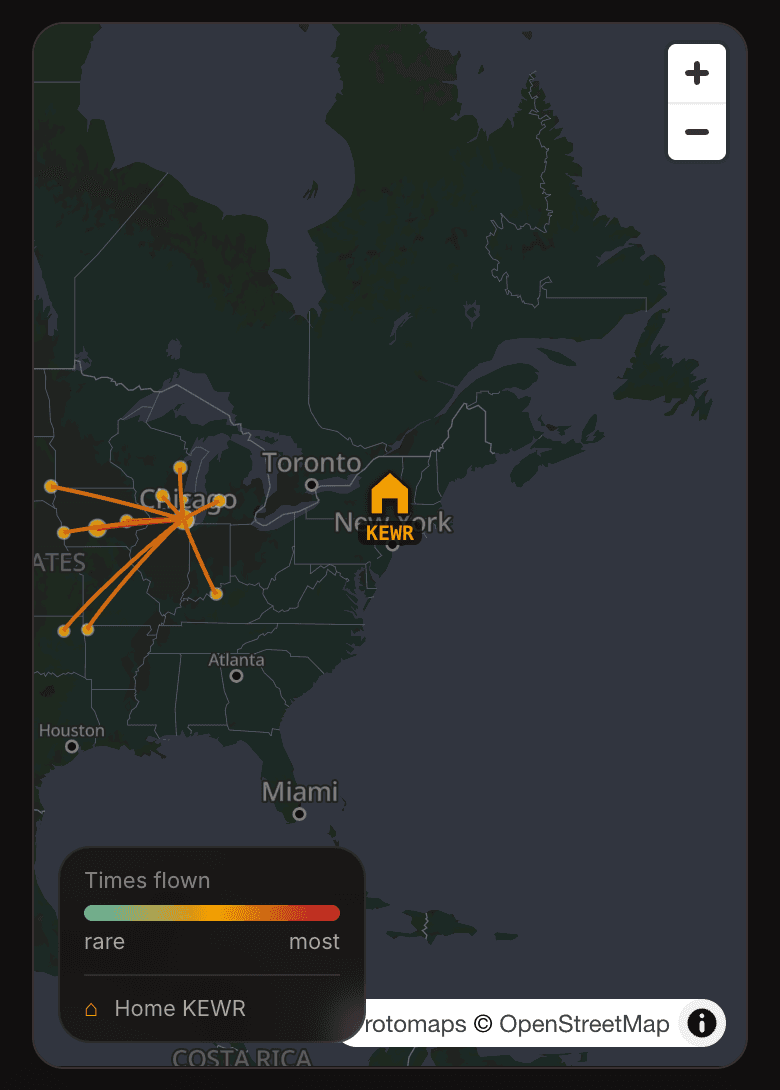
Your dashboard leads with total time and 90-day landing currency; the map shows where you fly.
- Dashboard totals
Your dashboard leads with total time, PIC, lifetime passengers carried, and your rolling 90-day day/night landing count.
- Landing currency, and which rule it maps to
The count is three takeoffs and landings in the preceding 90 days, tracked automatically from what you log. Flying the line under Part 121, the rule that governs you is §121.439, which is per aircraft type and lets a Level B or better simulator count. §61.57 is the equivalent for your own Part 91 flying, and it works by category and class instead. OOOIPilot counts every landing you log and does not segment the total by aircraft type, so treat it as an early warning rather than a qualification record, and confirm against the current regulation and your operator's rules.
- The route map
A home-base pin, frequency-weighted arcs, and layer toggles for distance, color mode, and airports. Set your home base on the map header.
- Export anytime
Export to CSV/PDF or an airline-application format from Reports.