
Airport and layover info from a leg
Open either end of a leg to get the field, the weather and what is nearby - no second app.
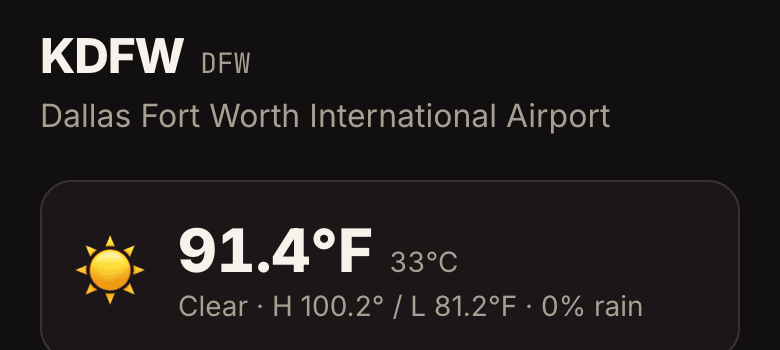
Open any leg in the logbook. The departure and arrival airports are links; the arrival is listed first, because that is the one you are about to walk out into.
- What the page gives you
The field's full name, current conditions and forecast, and shortcuts to what is nearby - food, coffee, a gym, something to do.
- Also from the map
Every pin on the route map opens the same page, so you can plan around a layover before the trip rather than after you land.
- Codes you actually fly
Airports resolve by ICAO or IATA, so a leg logged as DHN finds the same field as one logged as KDHN. Military and smaller fields that logbook exports write in three letters are matched too.