
Filter your logbook by aircraft
Chips above the logbook narrow it to one type, one smart family, or the legs still missing a type.
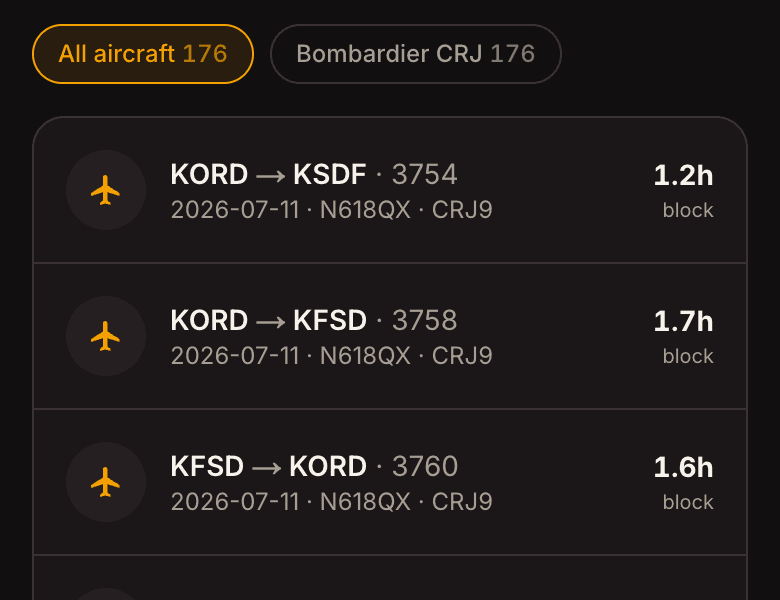
Open the Logbook. Above the list sits a row of chips - one for every aircraft you have actually flown, each showing how many legs it holds.
- Families, not just types
Variants group. A chip for the 737 covers the 737-700, -800 and -900 together, so you get the number an interviewer means when they ask for 737 time rather than three separate piles you have to add up yourself.
- Find the legs missing a type
One chip collects everything with no usable aircraft type - imports that arrived blank, scans where the tail was unreadable. Tap it to see exactly what needs fixing, then select those legs and set the type on all of them at once.
- It only ever hides rows
Filtering changes what you are looking at, never what is stored. Your totals, exports and currency are always computed from the whole logbook.