
Switching to OOOIPilot from LogTen or ForeFlight
Move your pilot logbook from LogTen or ForeFlight to OOOIPilot in minutes with a CSV import - nothing is lost.
Last updated June 4, 2026
You can switch from LogTen or ForeFlight to OOOIPilot in minutes: export a CSV from your old app, import it into OOOIPilot, and keep logging new flights by photo.
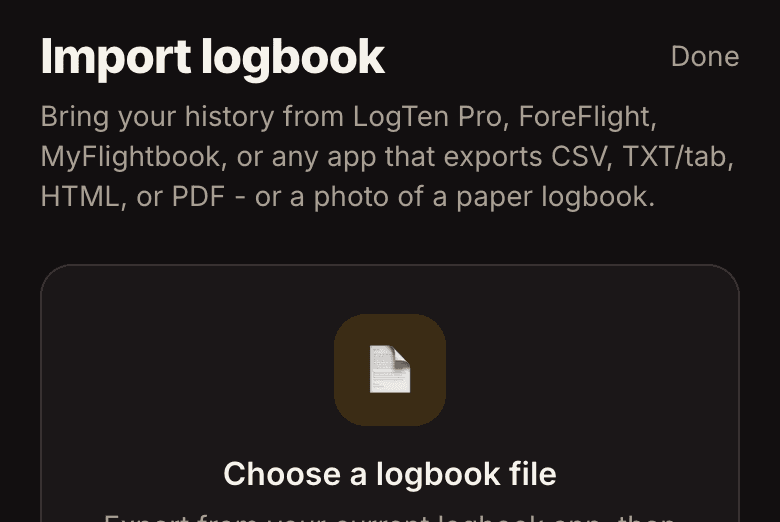
Three steps
- Export a CSV from LogTen, ForeFlight, MyFlightbook, or Garmin.
- In OOOIPilot: Settings → Import from another logbook (CSV).
- We auto-map the columns; review and import. Duplicates are skipped and totals recompute.
What you gain
Going forward you scan the OOOI page instead of typing, your currency updates automatically, and you keep one-tap exports for airline applications.