
How to import your pilot logbook from CSV
Bring your full flight history into OOOIPilot with a CSV import - from LogTen, ForeFlight, Garmin, MyFlightbook and more.
Last updated May 17, 2026
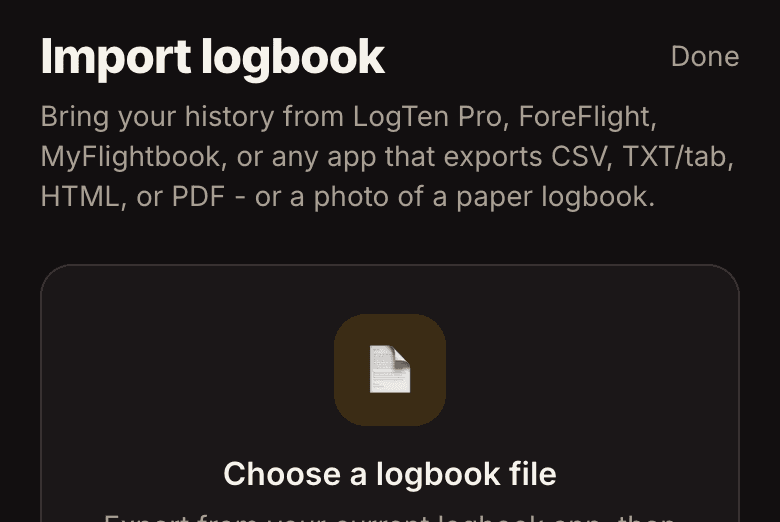
To import your logbook, export a CSV from your current app and use Import in OOOIPilot's settings - the columns are auto-mapped and duplicates are skipped.
Steps
- Export CSV from LogTen, ForeFlight, MyFlightbook, Garmin, etc.
- Settings → Import from another logbook (CSV).
- Confirm the auto-mapped columns, preview, import.
Safe to re-run
Imports are idempotent - running the same file twice won't create duplicate flights, and your totals recompute after each import.