
How to log airline flights in under 10 seconds
The fastest way for airline pilots to log OUT/OFF/ON/IN - photograph the OOOI page and confirm. No typing.
Last updated June 8, 2026
The fastest way to log an airline flight is to photograph the OOOI page and confirm - OUT/OFF/ON/IN, route, and tail fill in automatically, so a leg takes under 10 seconds instead of a minute of typing.
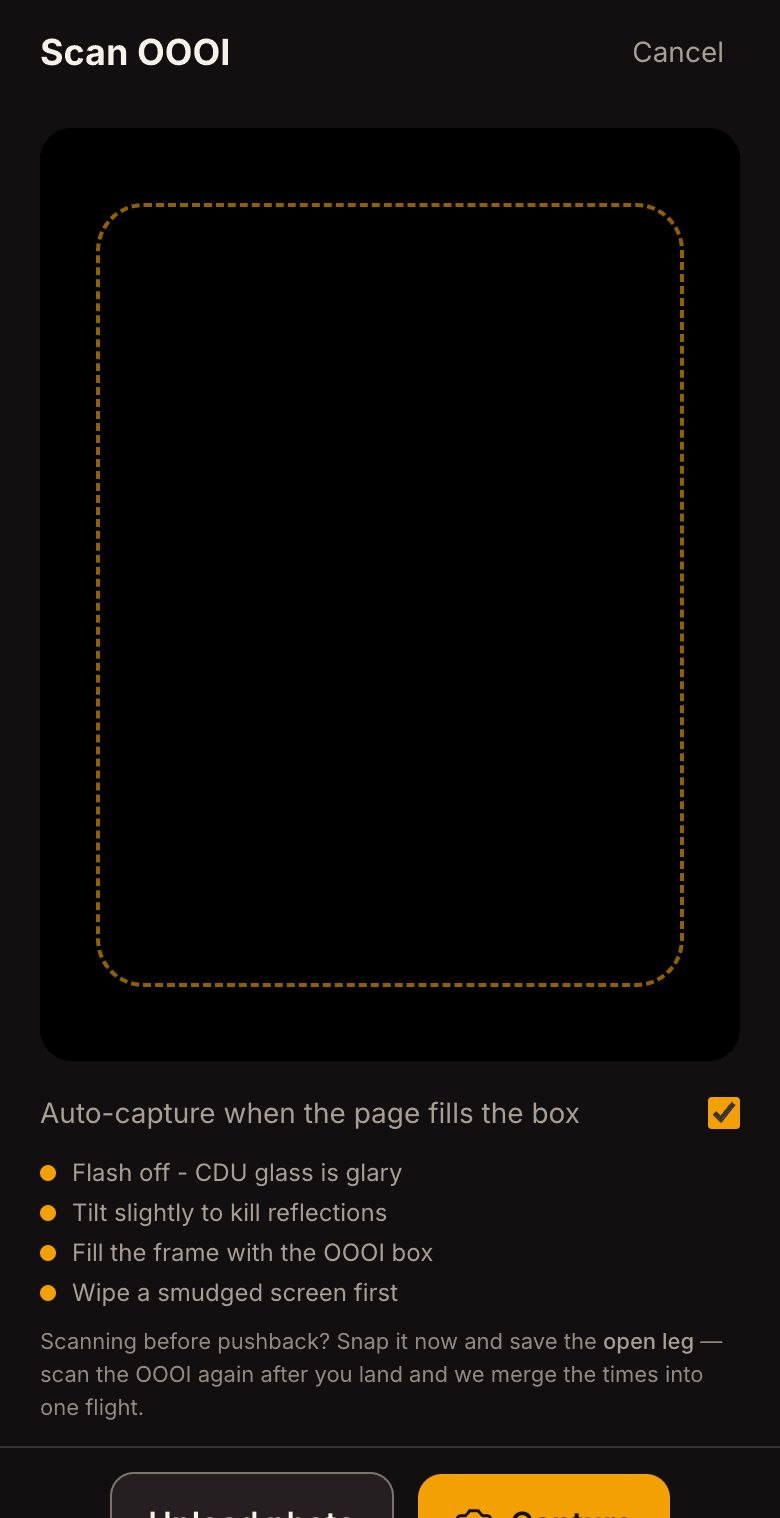
The 10-second loop
- At the gate, pull up the ACARS/FMS OOOI status page.
- Open OOOIPilot, tap Scan, fill the frame, shoot.
- Glance at the confidence colors, tap Confirm. Block and flight time are computed for you.
Why it's faster than typing
Typing four times, a route, and a tail into a form is error-prone and slow on a phone. A photo captures all of it at once, and OOOIPilot cross-checks the times against the page's own BLOCK and FLIGHT totals so you know they're right before you save.
Works with no signal
OCR runs on your device and your logbook is stored locally first, so you can log at the gate or at altitude with no Wi-Fi. It syncs to your account when you're back online.